
BrightPay allows for specific period payments, daily payments, hourly payments, piece payments, additions and deductions to be given a custom description to appear on an employee's payslip, if required.
- To set a customised description, before finalising a payslip, click the spanner symbol for the pay item in question, followed by 'show on payslip with default description':
- Enter the desired description and click 'OK':
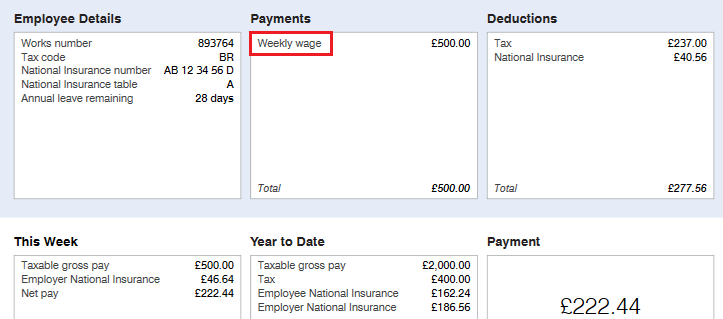
- On finalising the pay period, the employee's exported payslip will now reflect the customised description:
Please note: the customised payslip description will hold going forward until such time the user removes it.