Your duties start date is the date your automatic enrolment duties come into effect for you.
To instruct BrightPay of your duties start date, at the time of setting up your employer file for the first time, simply choose the statement that applies to you:
The statements can also be accessed within Pensions > Automatic Enrolment:
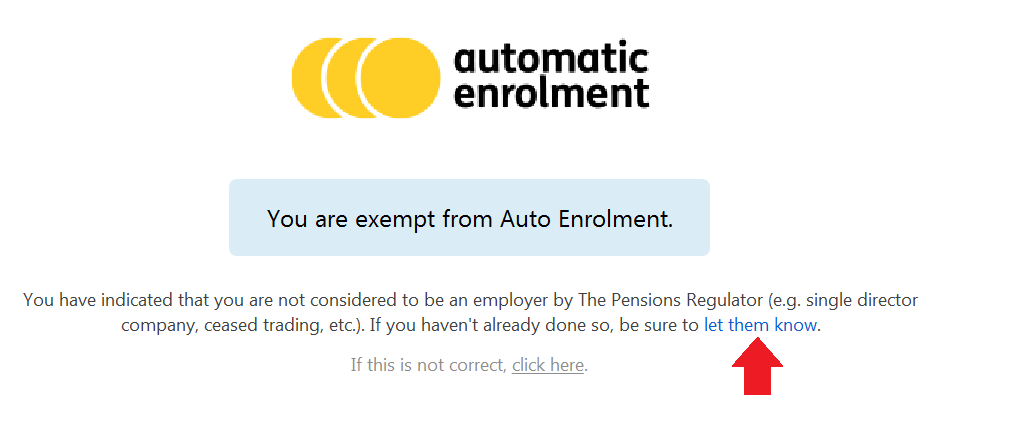
- If you are exempt from automatic enrolment (e.g. you are a single director company), select the option 'I am exempt from Auto Enrolment'. This will prevent any automatic enrolment alerts appearing in the software going forward.
If you have not yet informed The Pensions Regulator of your exemption, a link is provided to let them know: