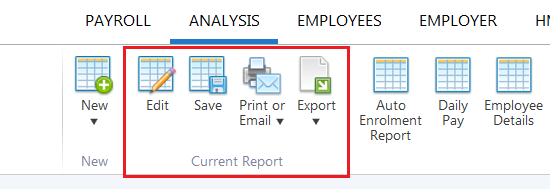
The Analysis function within the software can be accessed at any time should you wish to generate your own automatic enrolment reports.
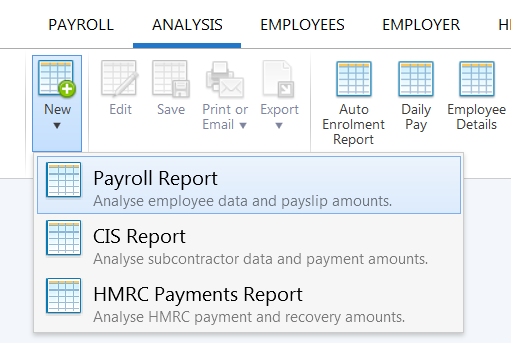
- To do so, click Analysis > New > Payroll Report
- Select the criteria you would like to include in your report, as per the example below:
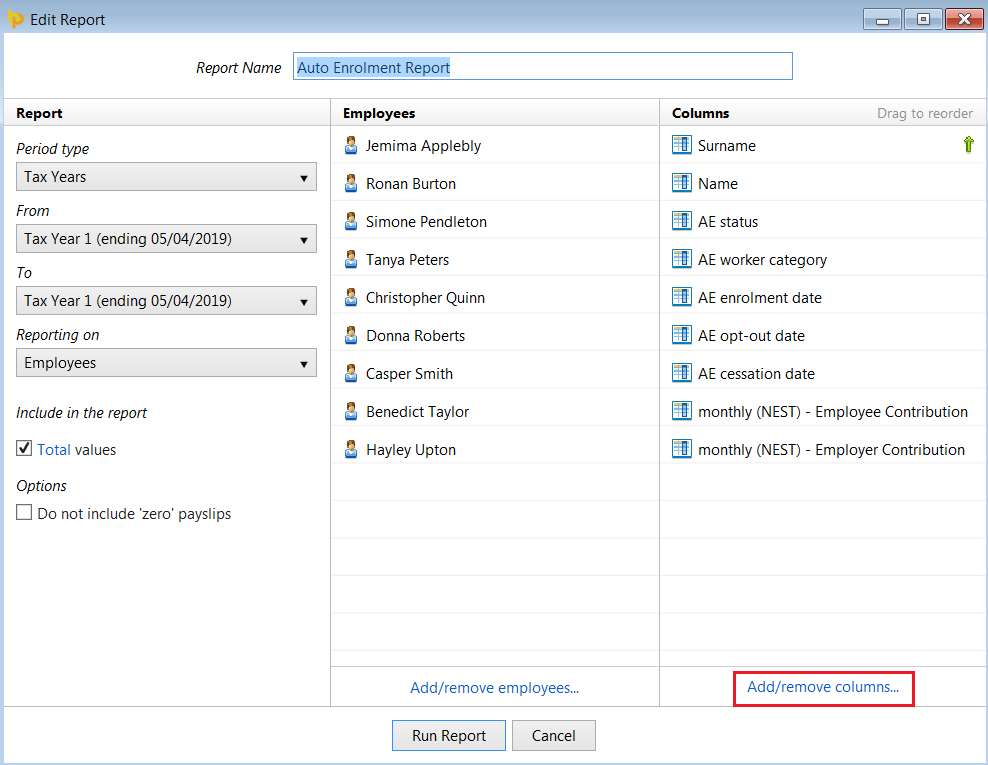
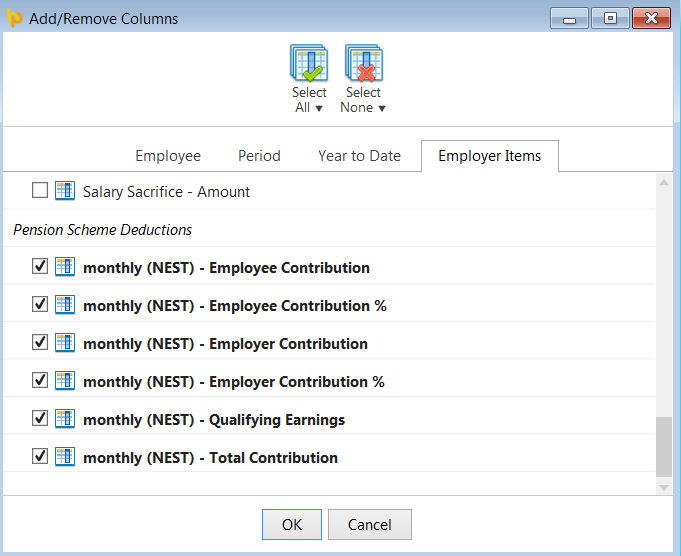
A variety of automatic enrolment fields are available for selection and can be included in your report by clicking 'Add/remove columns' under the Columns menu.
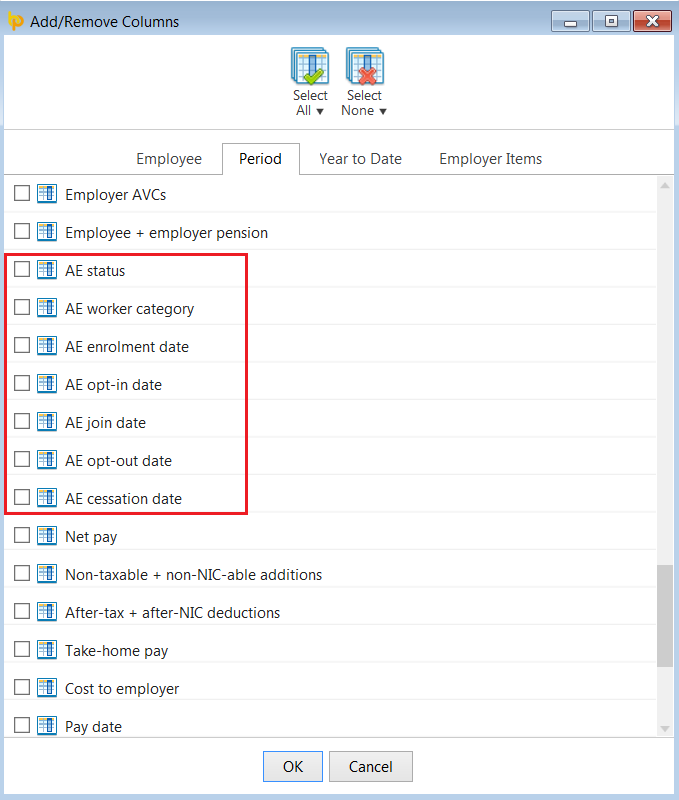
Under the 'Period' tab, you will find several automatic enrolment related items available for selection:
With further options available for selection under 'Employer Items':
- Once you have selected your criteria, click 'Run Report' to view on screen:
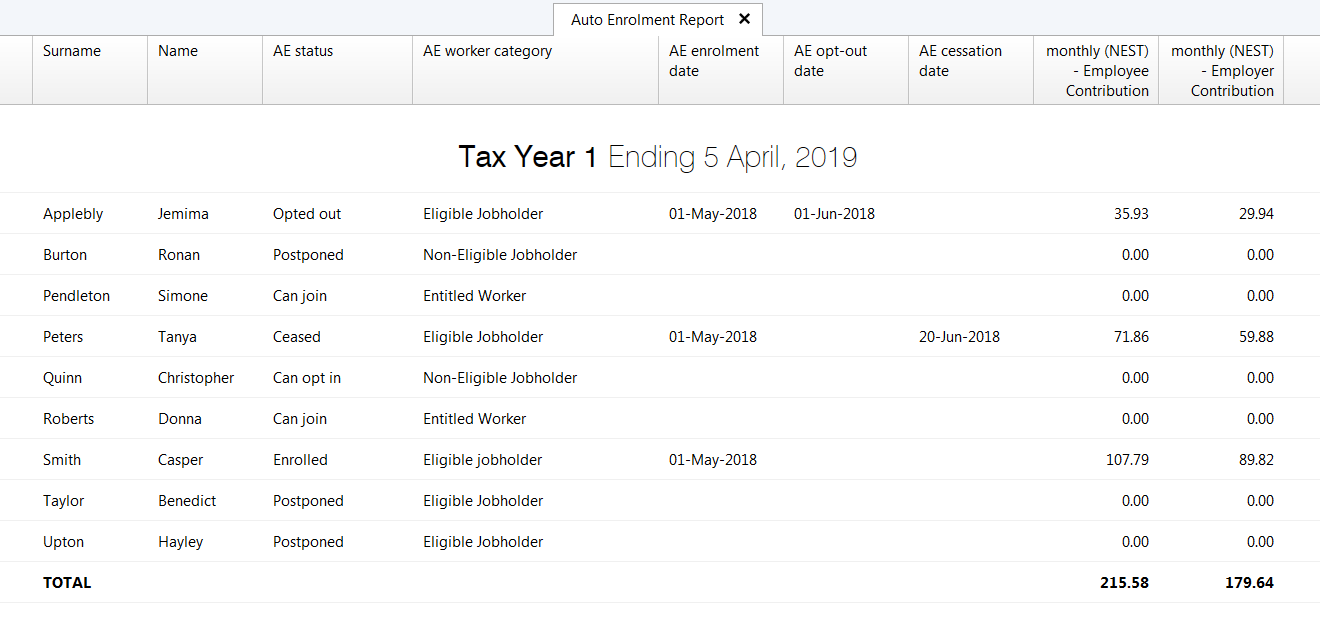
- Any report you create can subsequently be saved for future use or edited as required. All reports can also be printed, exported or emailed, if required: