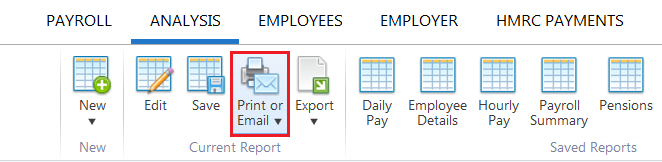
If you would like to print or email a report you have generated:
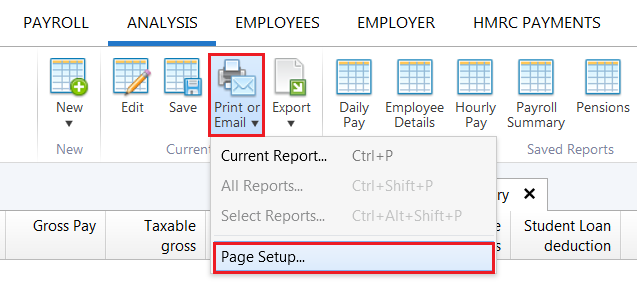
1) Click 'Print or Email' on the menu toolbar and select 'Current Report'.... A print preview of the report will be displayed on screen. Press 'Print' again to print out the report. Alternatively, click 'Email' to email the report.
2) Should you need to change the orientation, paper size or print margins for the report, these can be amended by clicking 'Print or Email' on the menu toolbar and selecting 'Page Setup'.