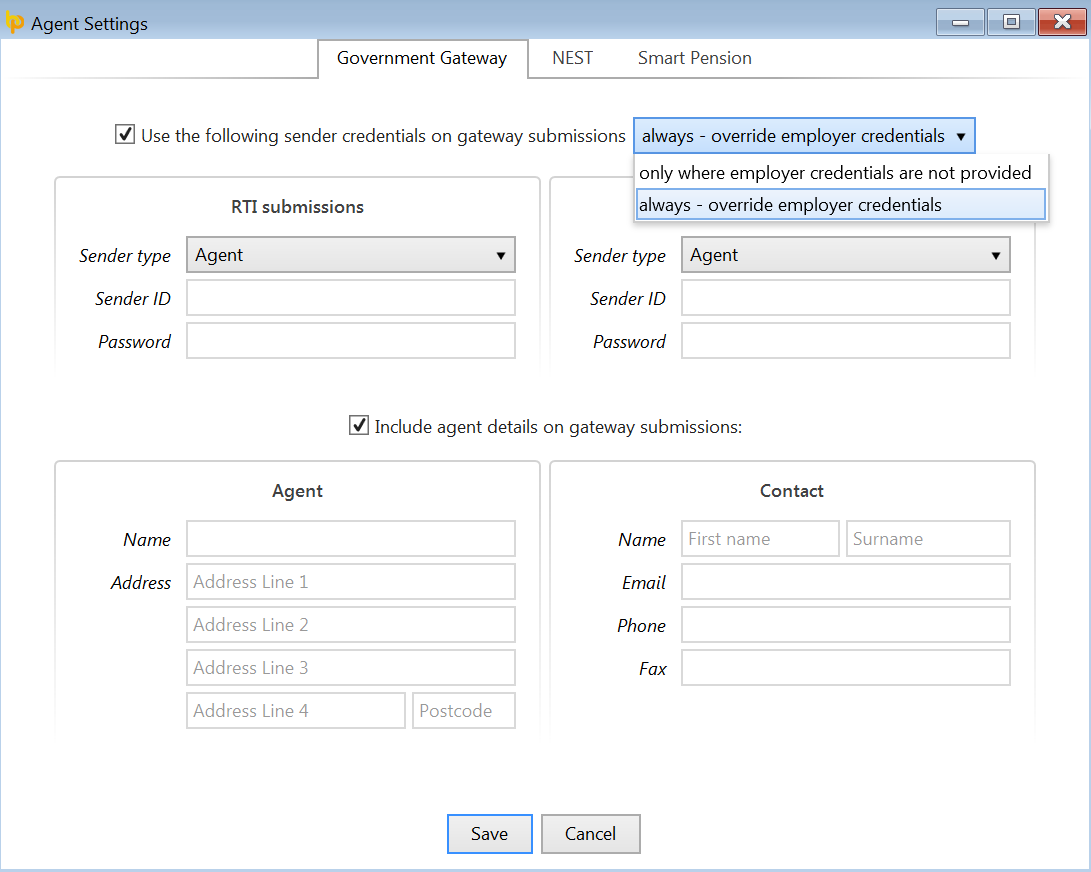
Government Gateway - Sender Credentials
Bureau users can use the 'Agent Settings' utility to instruct BrightPay to use their own sender credentials and include agent details on all RTI submissions.
- To instruct BrightPay to use agent credentials, go to File > Agent Settings > Government Gateway.
- Tick to indicate that you wish to use the sender credentials on gateway submissions - you can choose to 'always - override employer credentials' or use 'only where employer credentials are not provided'.
- Enter the relevant information > 'Save'.
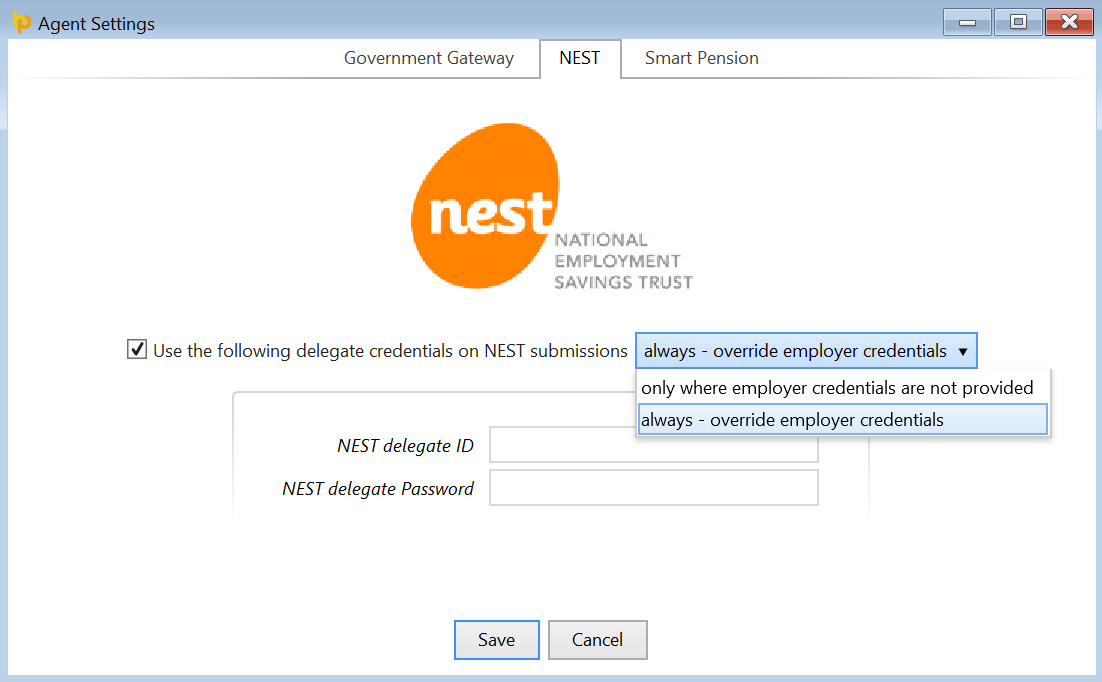
Nest - Delegate Credentials
Bureau users can use the "Agent Settings" utility to instruct BrightPay to use their own Nest delegate credentials on all Nest submissions.
- To instruct BrightPay to use the delegate credentials, go to File > Agent Settings > Nest.
- Tick to indicate that you wish to use the delegate credentials on Nest submissions, you can choose to "always - override employer credentials" or use "only where employer credentials are not provided".
- Enter the relevant information > 'Save'.
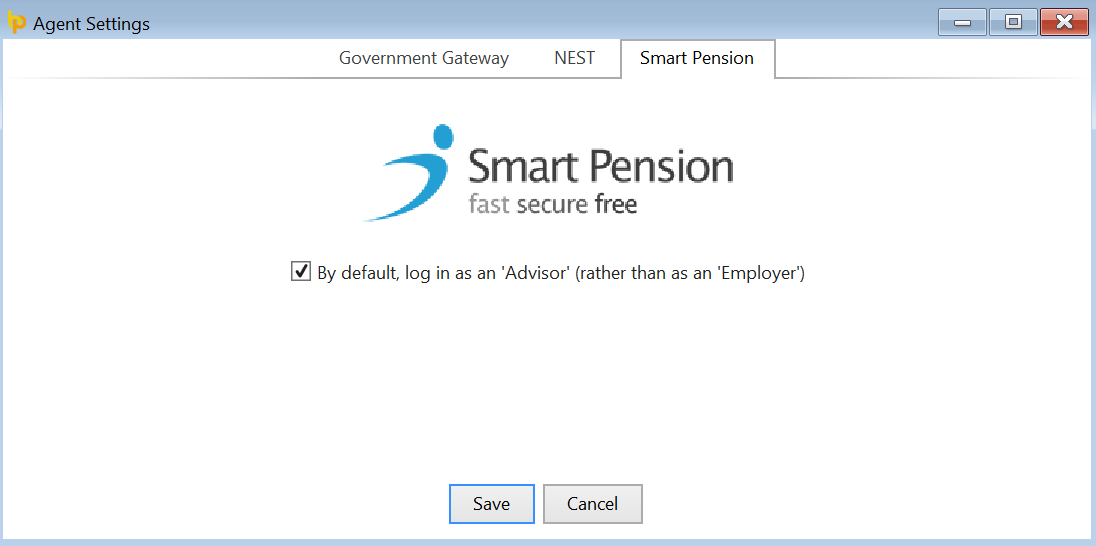
Smart Pension - Advisor Credentials
Bureau users can use the "Agent Settings" utility to instruct BrightPay to allow them to log into Smart Pension as an 'Advisor' by default.
- To instruct BrightPay to do so, go to File > Agent Settings > Smart Pension.
- Tick to log in as an 'Advisor' (rather than an 'Employer')
- Press 'Save'.